

Everything you need to own your recipes
Recipe Chest is a personal recipe assistant: import anything, make it yours, plan the week, and shop without thinking. Here is the full tour.
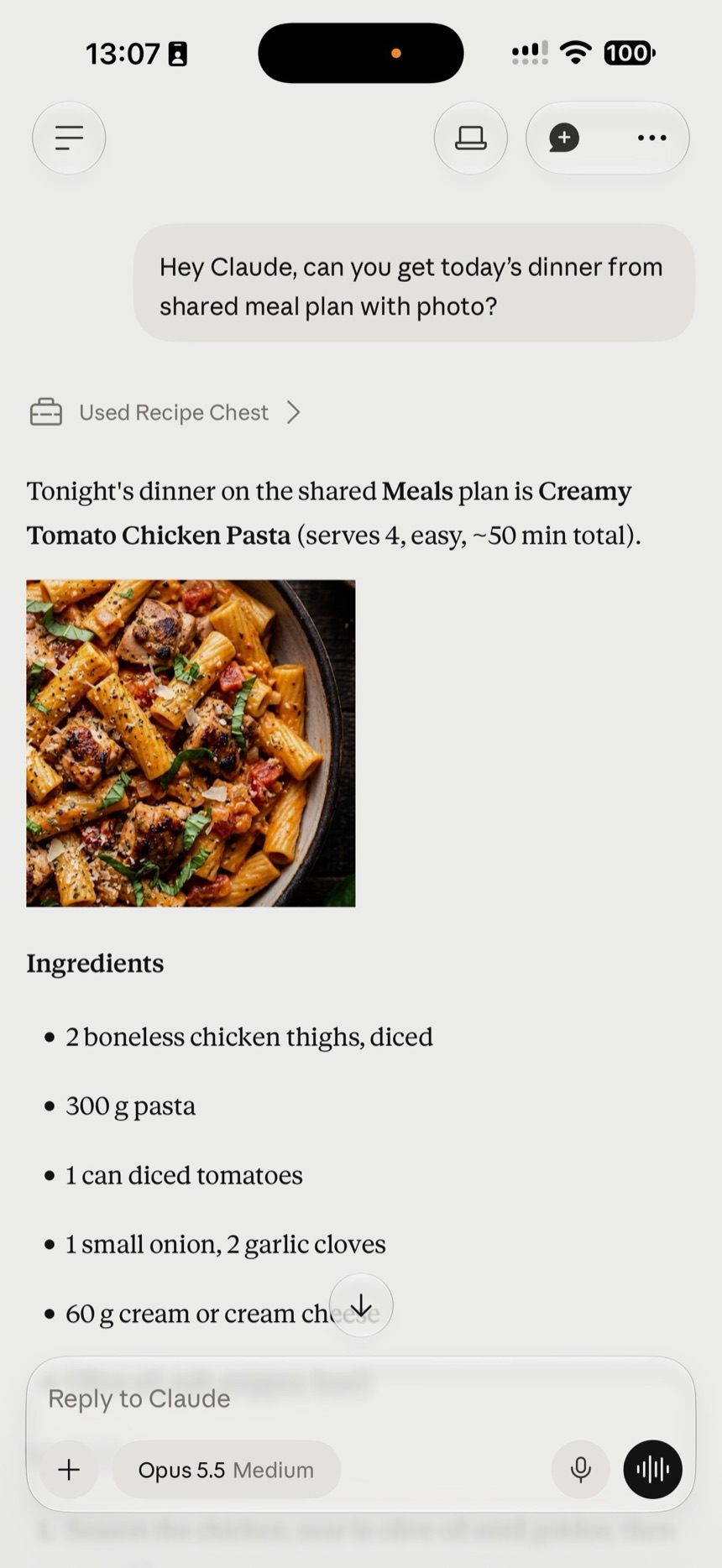
Connect your AI assistant
Ask Claude to plan your week from your own recipes, or to put tonight’s ingredients on your shopping list. Your assistant gets access to your cookbook only after you approve it.
- Ask in plain words: find a recipe, build a meal plan, add ingredients to your shopping list
- Approve access once on a consent screen. Without it, your assistant can’t touch your cookbook
- See connected assistants in Settings and revoke access anytime
- Works with Claude and any assistant that supports MCP, the open standard assistants use to connect to apps
- Cook hands-free: in your assistant’s voice mode, ask “what’s next?” or “how much paprika?” and it walks you through your recipe step by step. No greasy fingers on your phone
Magic recipe import
Adding a recipe should take seconds, not an evening of copy-pasting.
- Paste a link from a recipe website, YouTube, or Instagram — AI extracts the title, image, ingredients, and instructions
- Extraction runs in the background, so you can keep browsing your collection
- On mobile, photograph a cookbook page and AI turns it into a digital recipe
- Share a link from any app straight into Recipe Chest
- Recipes are categorized automatically as they arrive
A collection that stays organized
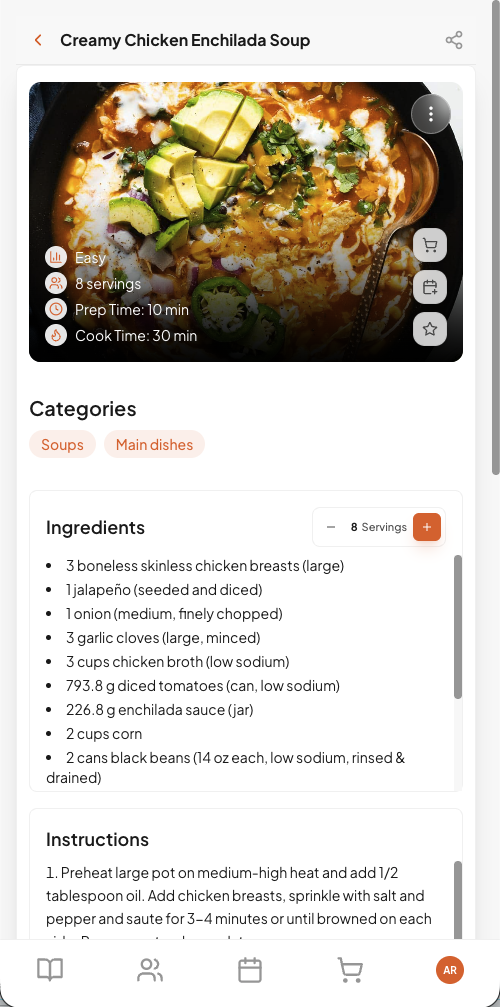
Your cookbook grows — and stays findable.
- Search your whole collection in an instant
- Filter by categories, hide ones you never use, or add your own
- Star your favorites and filter to show just those
Recipes that adapt to you
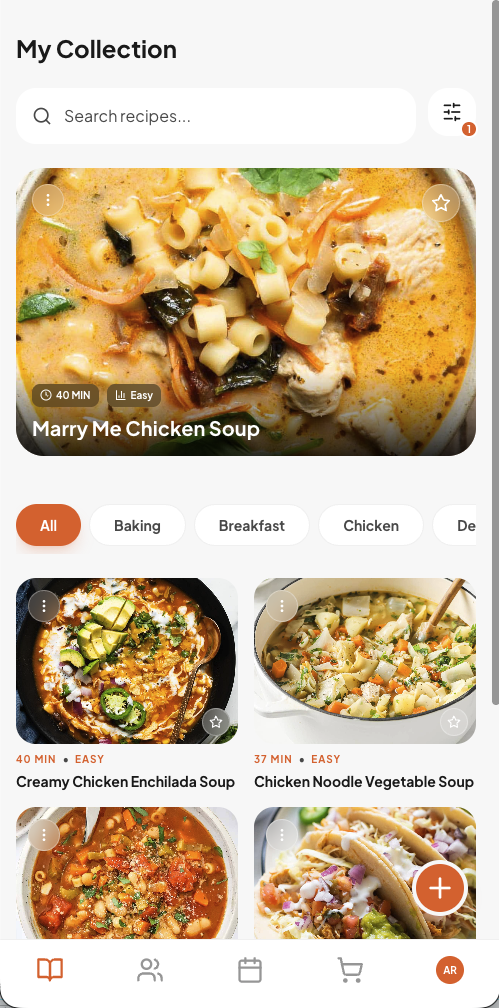
A recipe is a starting point. Yours should fit your taste, your pantry, and your table.
- Edit any recipe — ingredients, steps, times, difficulty, categories, and tags
- Switch between the original and your personalized version, or revert anytime
- Change servings and every ingredient quantity recalculates
- View quantities in metric or US units, as fractions or decimals
- Generate a fresh AI image for any recipe (Pro and Family Pro, one free try on Free), or keep the original photo
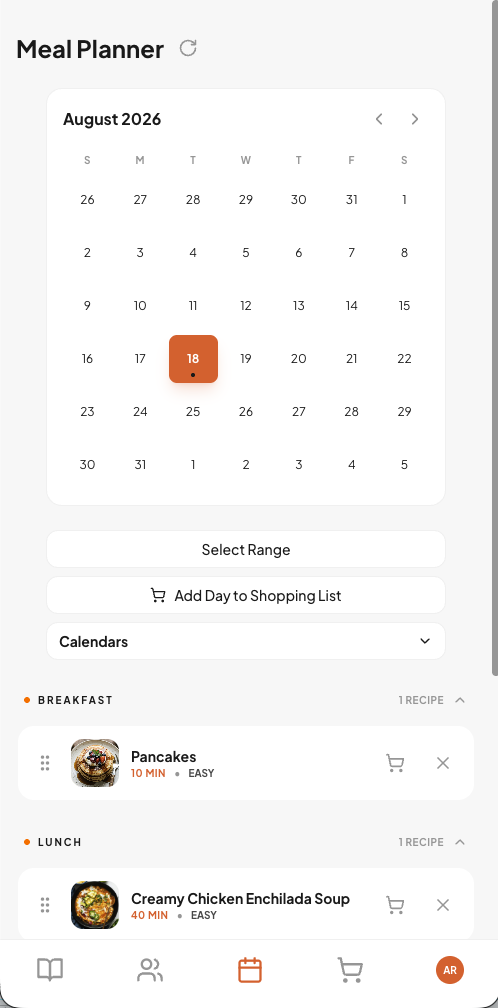
Weekly meal planning
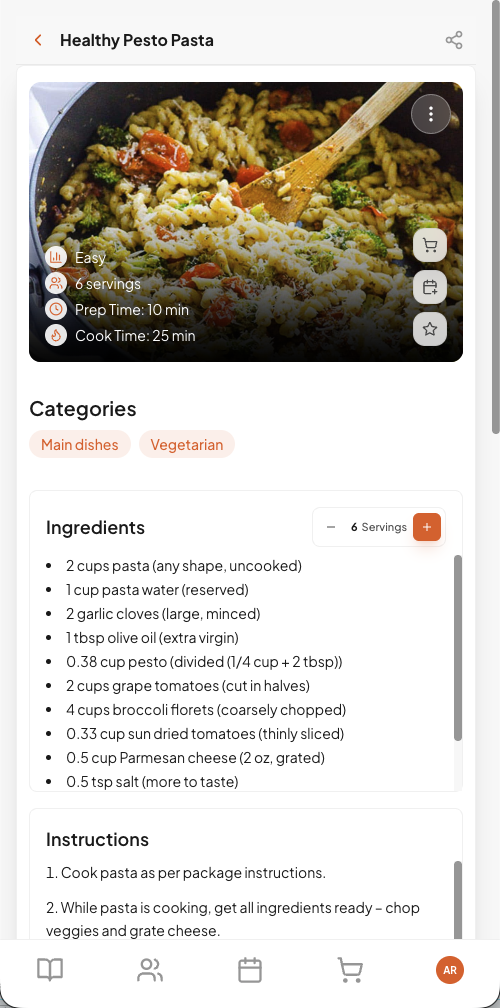
Decide once, relax all week. Included in paid plans.
- Plan breakfast, lunch, dinner, and snacks on a weekly calendar
- Drag and drop to reorder or move meals between days
- Send a single day — or a whole date range — to your shopping list in one tap
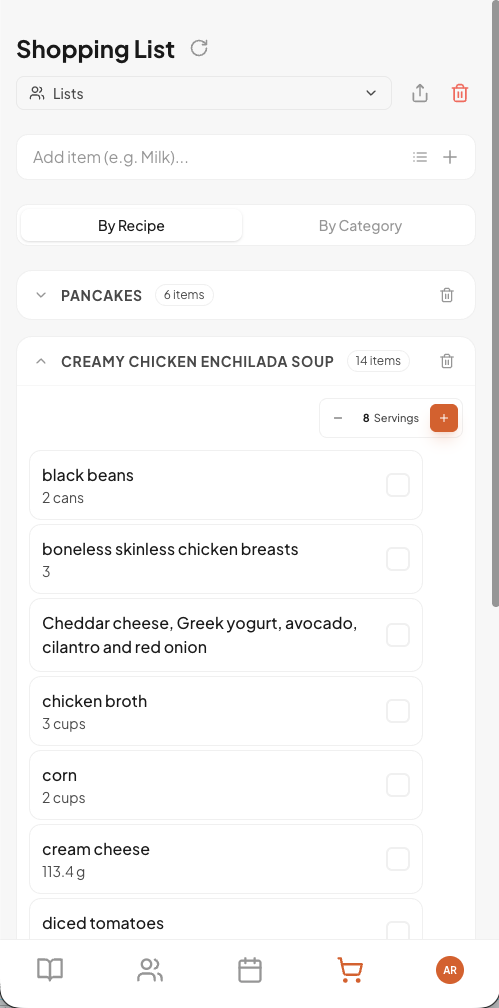
Shopping lists that write themselves
From plan to store without a pen. Included in paid plans.
- Add all ingredients from a recipe in one tap, or type items manually
- Keep multiple lists and group items by category or by recipe
- Check items off as you shop and clear them in one go
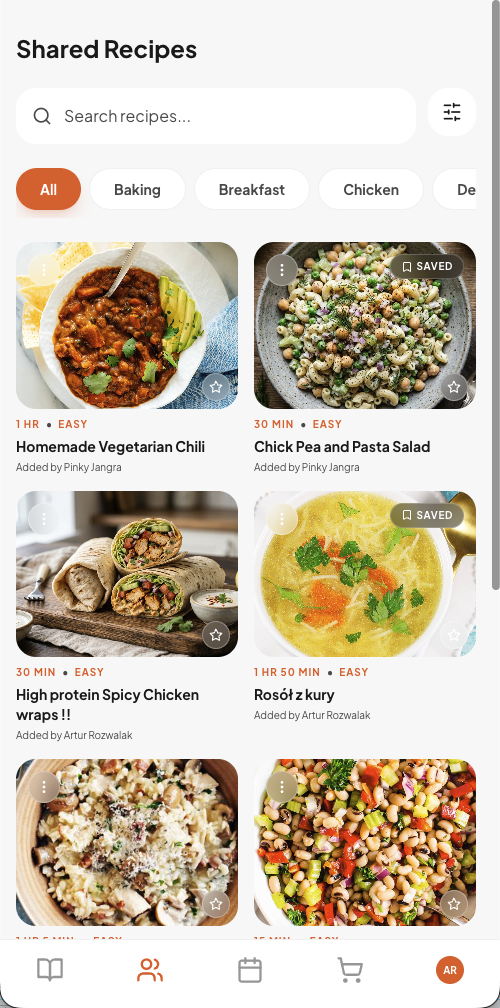
Built for families
Cooking is a team sport.
- Create a family and invite members by email
- Share recipes, meal plans, and shopping lists with everyone
- Browse the family collection and save shared recipes as your own
- Share any recipe with friends via a simple link
A seamless experience
Fast, polished, and yours in two languages.
- Works in the browser, installs like an app on phone and desktop
- Synced across devices, graceful when offline
- English and Polish, dark and light themes
- Guided tours help you find your way around
Turn these features into your weekly plan.
Start free and see how Recipe Chest turns recipe chaos into calm dinners.
Start free- Cancel anytime
- Recipes stay yours
- No credit card required
Built for every screen
From phone to desktop, your recipes follow you everywhere.
Sign in
Your collection
Every detail
Shop smarter